The GitKraken alternative built for your Mac
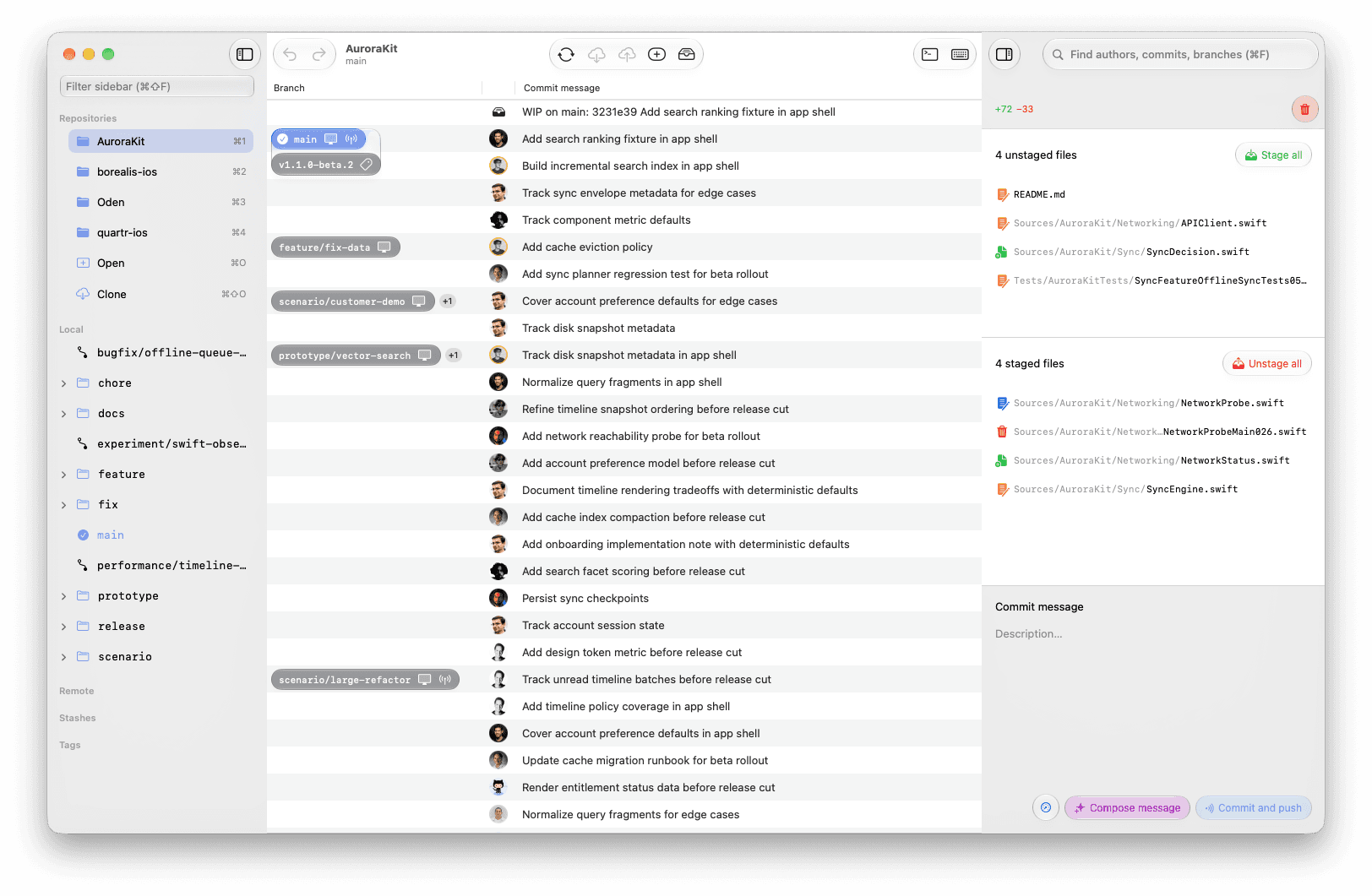
Oden is a native macOS git client. No Electron, no feature maze. It writes your commit messages, untangles your merge
conflicts, and stays out of your way. Less than half the price of GitKraken's top tier.
Free core client with limited Pro features. Notarized by Apple. No credit card required.
Why developers leave GitKraken
It got heavy
GitKraken is an Electron app. Slow startup, high memory use, and a UI that grew a new panel every year. Oden is written in Swift and launches instantly.
AI costs extra
GitKraken locks its AI features in the €14/month Advanced tier. Oden includes Automatic commit messages and One-click conflict resolution in every Pro plan, from €6.30/month.
You use 10% of it
Boards, timelines, integrations you never open. Oden does the workflow you actually run every day: stage, commit, branch, merge, push. Done fast.
Oden vs. GitKraken
The parts of git you hate, done for you
We will be straight with you. If you need a built-in interactive rebase UI, deep GitLab, Bitbucket, or Jira integrations, or team management features, GitKraken is the more full-featured tool and worth its price.
Oden is for developers who want the core git workflow in a fast, native Mac app that handles commit messages and merge conflicts for them. If that is your daily reality, you will not miss the rest.
Simple pricing, no seat math
GitKraken Pro costs €8 per seat per month on annual billing, and its AI features require the €14 Advanced tier. Oden Pro is €8 per month, or €6.30 per month billed annually, with all Pro features unlimited: Automatic commit messages, One-click conflict resolution, and private repository pushes.
Is Oden free?
The core git client is free: open repos, stage, commit, branch, merge, pull, and push to public repositories. The free tier also includes limited use of the Pro features: Automatic commit messages, One-click conflict resolution, and pushes to private repositories. Oden Pro unlocks them without limits for €8/month, or €6.30/month billed annually.
Do I need a GitHub account to use Oden?
No. Oden works with any Git repository, whether it's on GitHub, GitLab or anywhere else. Sign in with GitHub or GitLab only when you want Pro features like automatic commit messages or private repo pushes.
Can I import my repos from GitKraken?
There is nothing to import. Your repos are just git repositories on disk. Open them in Oden and keep working.
What Macs does Oden support?
Any Mac running macOS26 Tahoe and above.
Switch in under a minute
Download Oden, open your existing repos, and see if it fits the way you work. No new account, no card, no migration.